Warehouse · 4 min read
How MarginLock packs your shipments without rebox loops
A walkthrough of MarginLock's bin-packing engine, why we optimize for cube fill rather than count, and how it eliminates Amazon's most common rebox triggers.
By Kenderson Tripaldi · April 8, 2026
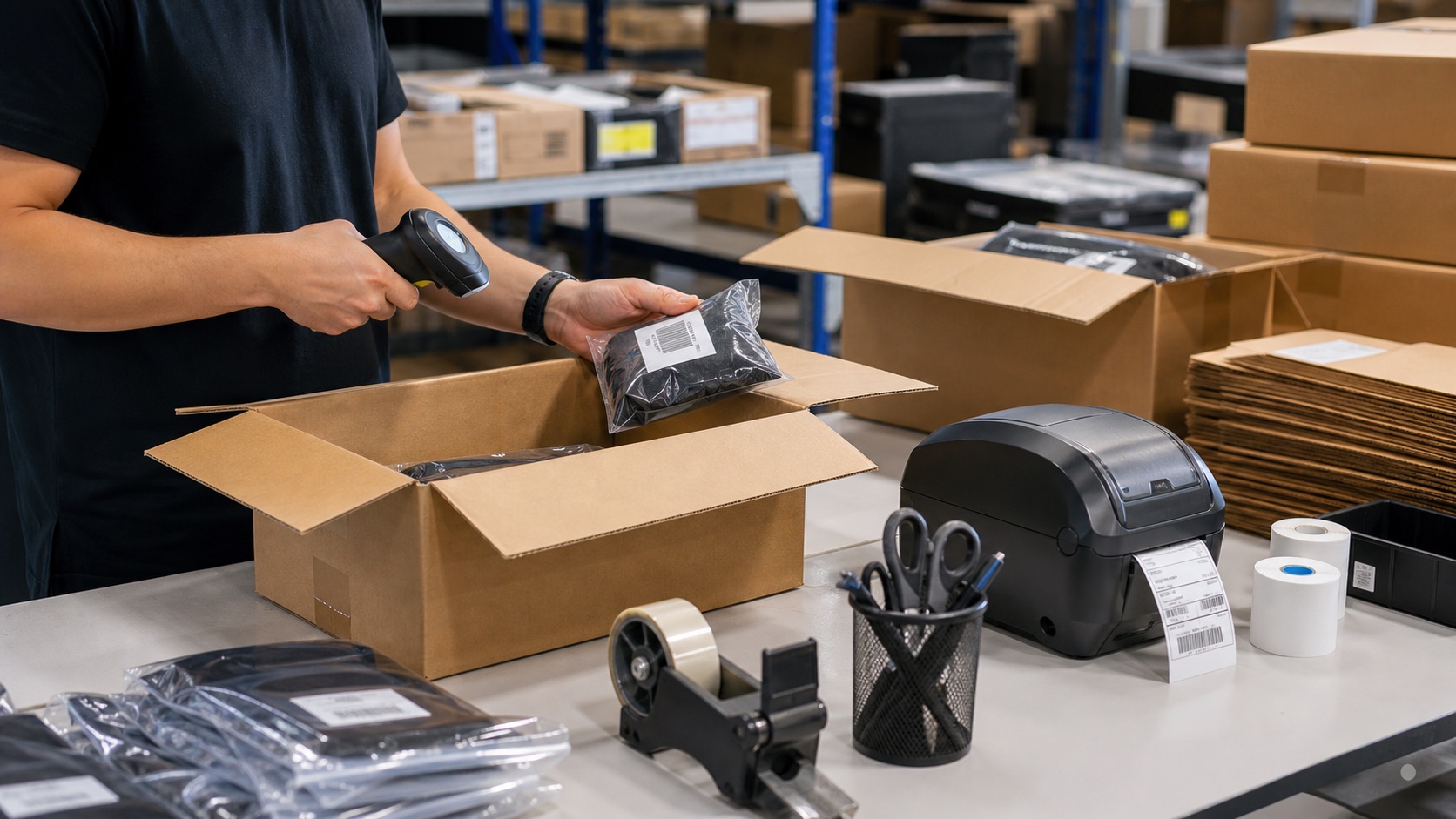
If you've ever sent an FBA shipment and gotten the dreaded notice that your cartons were repacked at the receive center — and that you've been billed for the privilege — you've experienced the rebox loop. It is one of the most expensive failure modes in FBA, and the most frustrating part is that almost all of it is preventable at pack time. This post walks through how MarginLock's bin-packing engine works and why the design choices matter.
The rebox-loop problem
A rebox event happens when Amazon's intake operations decide your carton needs to be re-packaged before it can enter inventory. The triggers are a short list:
- The carton exceeds the 50-lb FBA weight limit.
- The dim-weight tier the carton bills against doesn't match the manifest.
- The carton crosses a per-marketplace size limit.
- The pack is judged structurally inadequate (loose items, void space).
Each rebox is a real cost: the per-unit reboxing fee, the operational delay (your inventory becomes sellable a day or two later), and the data noise (your manifest no longer matches the cartons Amazon physically receives, which breaks downstream reconciliation). For high-volume operations, even a 5% rebox rate is worth eliminating.
What our solver actually does
The classical 1D bin-packing problem says: minimize the number of bins. That's not quite what we want for FBA. We want to minimize Amazon-side penalties, which is a different objective. Specifically, we want each carton to be:
- Below the 50-lb hard cap by a comfortable margin.
- In the dim-weight tier the manifest declares.
- Filled enough that void-space rebox triggers don't fire.
- Compatible with mixed-SKU rules.
That's a multi-objective optimization. We solve it as first-fit-decreasing on cube, then re-score candidate bins against a threshold-proximity penalty that penalizes packs sitting near 50 lb or near a dim-weight tier boundary.
Why cube, not count
Most teams that pack manually optimize for unit count: "fit as many units in as possible." This is the wrong objective for FBA pricing. Amazon doesn't charge by unit count; they charge by carton attributes (weight, dim-weight) and per-unit attributes (SKU). Optimizing for count makes you pack loosely, which inflates dim-weight and pushes cartons across pricing thresholds.
Optimizing for cube fill rate — how full each carton is by volume — correlates directly with what Amazon penalizes you for. A carton that's 90% full has minimal void space (so it won't trigger structural-rebox flags) and has a dim-weight close to actual weight (so it won't bill in a tier you didn't expect).
The threshold-proximity rule
The single most important rule in our packer is: stay away from pricing thresholds.
Amazon's pricing curves are non-continuous. A 49-lb carton bills in one fulfillment-fee tier; a 51-lb carton bills in a more expensive one. The pricing increment of one extra pound near a threshold can be larger than the pricing increment of fifteen pounds in the middle of a tier.
A naïve packer that aims for "as full as possible" will routinely pack cartons at 49.8 lb. Then your warehouse scale reads 50.1 (scales drift, items absorb humidity), Amazon's intake scale reads 50.3, and the entire shipment bills in the higher tier — or worse, gets reboxed.
Our packer's threshold-proximity rule: among candidate cartons, prefer the one whose post-pack state is furthest from a known pricing threshold, even if that means slightly lower cube fill rate. A 44-lb carton that won't get reboxed is better than a 49.5-lb carton that might.
Cube vs cube-and-weight
Some bin-packing tools out there optimize on cube alone, treating weight as a secondary constraint that's only checked at the end. We optimize on both simultaneously, because the failure modes are different and you can't catch the weight failure mode with a cube-first solver.
| Capability | Cube-only | Cube + weight |
|---|---|---|
| Volume utilization | Maximizes | Maximizes (subject to weight) |
| 50-lb violations | Common — checked only at end | Avoided — co-optimized |
| Threshold proximity | Not considered | Penalty-scored |
| Rebox rate | High | Low |
What the engine produces
For each shipment plan, the packer emits a set of ShipmentBox rows, each
with a planned weight, planned cube, planned dim-weight tier, and the list
of ShipmentBoxItem rows assigned to it. The warehouse pack-out screen
walks the operator through each box; the operator scans into each in turn,
the system enforces the plan, and the box is sealed only after all assigned
items are scanned.
If a box's measured weight diverges from the planned weight beyond a configurable tolerance, the system raises a flag at pack time — before the shipment ships. That's the moment when a fix is cheap. After the shipment leaves your warehouse, it's not.
See it in action
Mock: bin-packing-plan-view
The plan view shows each carton with its planned content, its threshold distance, and a per-carton rebox-risk score. Operators have one screen to work from; the optimization happens before they ever touch a box.
Keep reading
Related posts

Warehouse · 3 min read
Multi-location stock control for FBA sellers
FBA sellers with prep centers, warehouses, and Amazon stock need one reservation model. Without it, inbound plans overpromise units.
Warehouse · 3 min read
Prep and label workflows need version control
FBA prep mistakes usually come from stale instructions. Treat prep and label rules like controlled operating procedures with owner review.
Compliance · 3 min read
Build a box compliance scorecard before Amazon charges you
Box compliance should be measured before pickup. Track weight, category mixing, dimensions, labels, and evidence at carton level.